

Horizontal or Vertical? The Video Debate That's Dividing Content Creators
Visual Marketing Lab Insight #0001
"Should I shoot horizontal or vertical?"
It's probably one of the most common questions we get asked.
And if you spend five minutes on YouTube, you'll find one creator saying:
"Everything should be vertical."
Then another saying:
"Never shoot vertical."
So... who's actually right?
The honest answer?
Both.
And neither.
It completely depends on what you're trying to achieve.
Let's break it down.
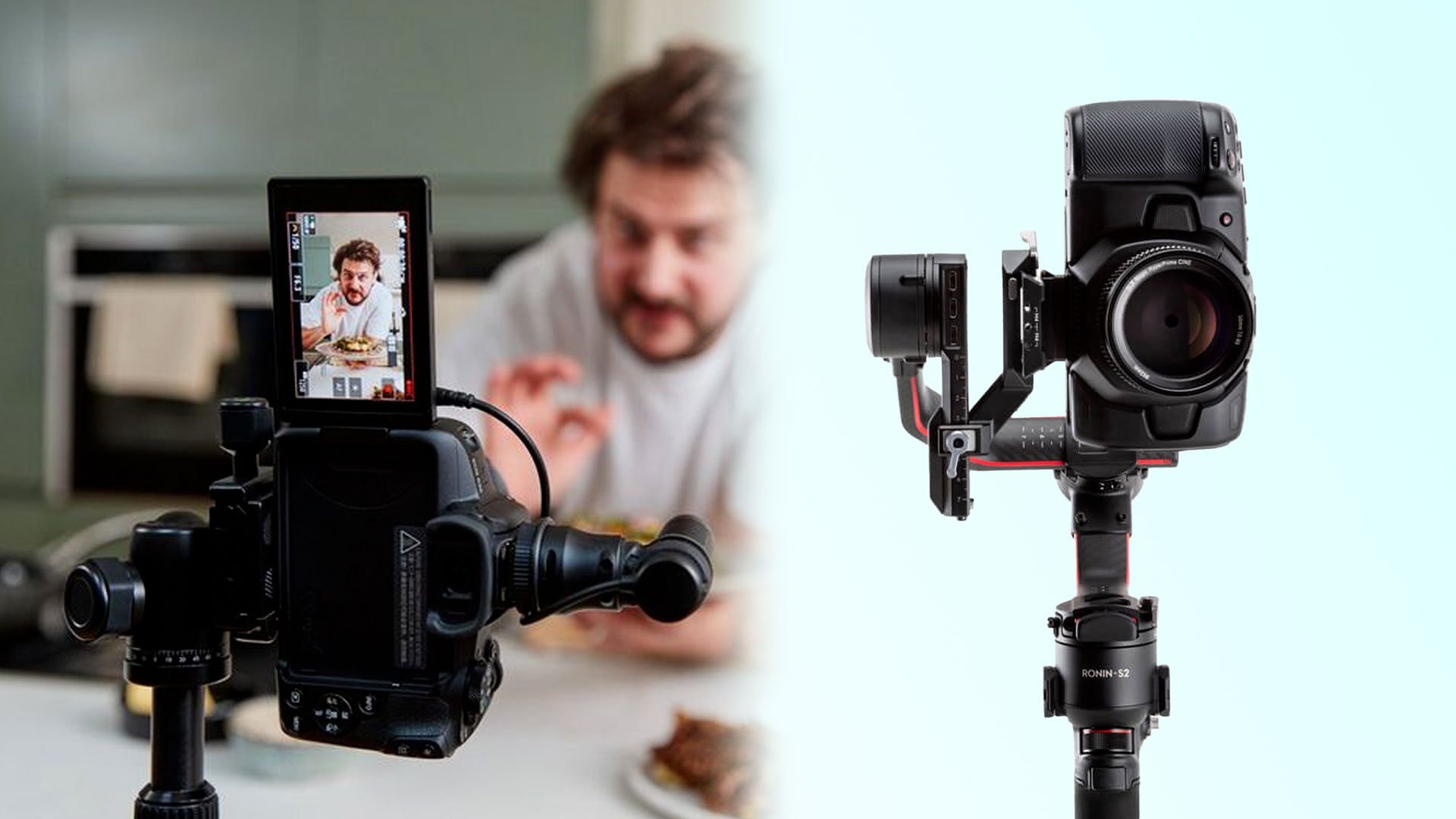
Team Vertical
There is no denying it...
Vertical video dominates social media.
Instagram Reels.
TikTok.
Facebook Reels.
YouTube Shorts.
LinkedIn is even pushing vertical content more than ever.
If your only goal is to create content for these platforms, then shooting vertically makes perfect sense.
The Pros
✔ Uses the entire phone screen
✔ Usually performs better on short-form platforms
✔ No cropping required
✔ Feels native to social media
The Cons
Here's where people don't often think ahead.
Once you've filmed vertically...
...that's it.
You can't magically turn it into a cinematic YouTube video.
You can't create a widescreen website hero video.
You can't easily repurpose it for presentations, exhibitions or TV screens.
Your content is locked into one format.
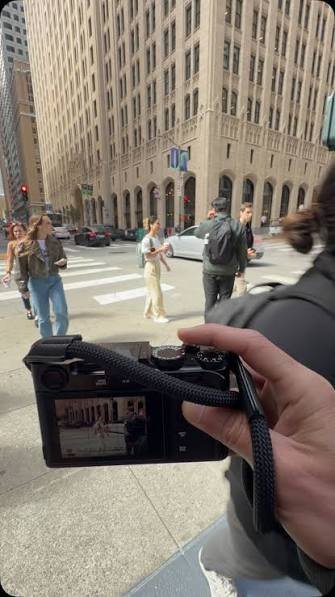
Team Horizontal
Horizontal has been the standard for decades for one simple reason...
It works almost everywhere.
Websites.
YouTube.
Presentations.
Digital displays.
Advertising screens.
Training videos.
Corporate films.
The challenge?
Social media has changed the game.
If you simply upload a horizontal video to Instagram Reels, it'll look tiny.
So... What Do We Do?
This is where our approach is a little different.
We nearly always shoot horizontal.
But...
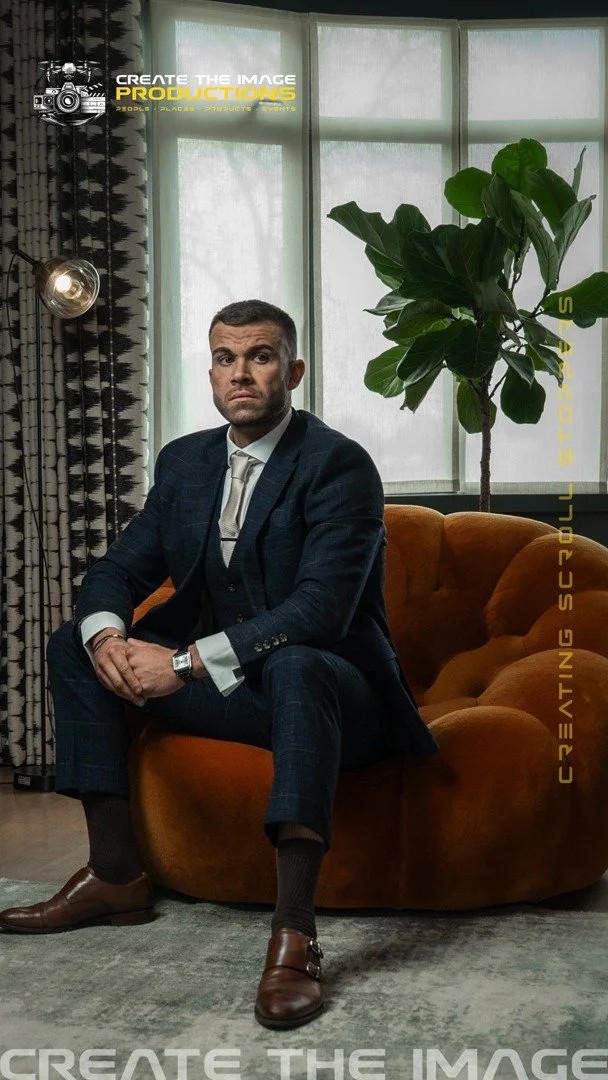
We deliberately compose the shot so the important subject sits safely inside the centre of the frame.
Why?
Because later...
We can crop that footage into a vertical edit without losing the important part of the image.
One shoot.
Two versions.
Horizontal and vertical.
It gives our clients far more flexibility.
Future-Proof Your Content
Here's something nobody knows...
What if Instagram changes again?
What if YouTube starts heavily favouring horizontal content?
What if your website becomes your biggest lead generator?
If you've only filmed vertically...
You've got a problem.
If you've filmed horizontal with enough space for cropping...
You're ready for whatever comes next.
That's why we call it future-proofing your content.
The Only Time We'd Shoot Vertical Only
There is one exception.
If a client tells us...
"These videos will ONLY ever be used for Instagram Stories and Reels."
Then yes.
We'll happily shoot vertically.
No compromises.
Because that's exactly what the content was designed for.
But unless we're absolutely certain...
Shooting horizontal gives us options.
And options are valuable.
The Gear That Makes Switching Between Horizontal & Vertical Much Easier
When we first started filming, changing from landscape to portrait usually meant...
Unscrewing the camera.
Moving the tripod plate.
Rebalancing the gimbal.
Losing five minutes.
Doing it all again.
Several times every shoot.
Thankfully, a few pieces of kit have made life much easier.
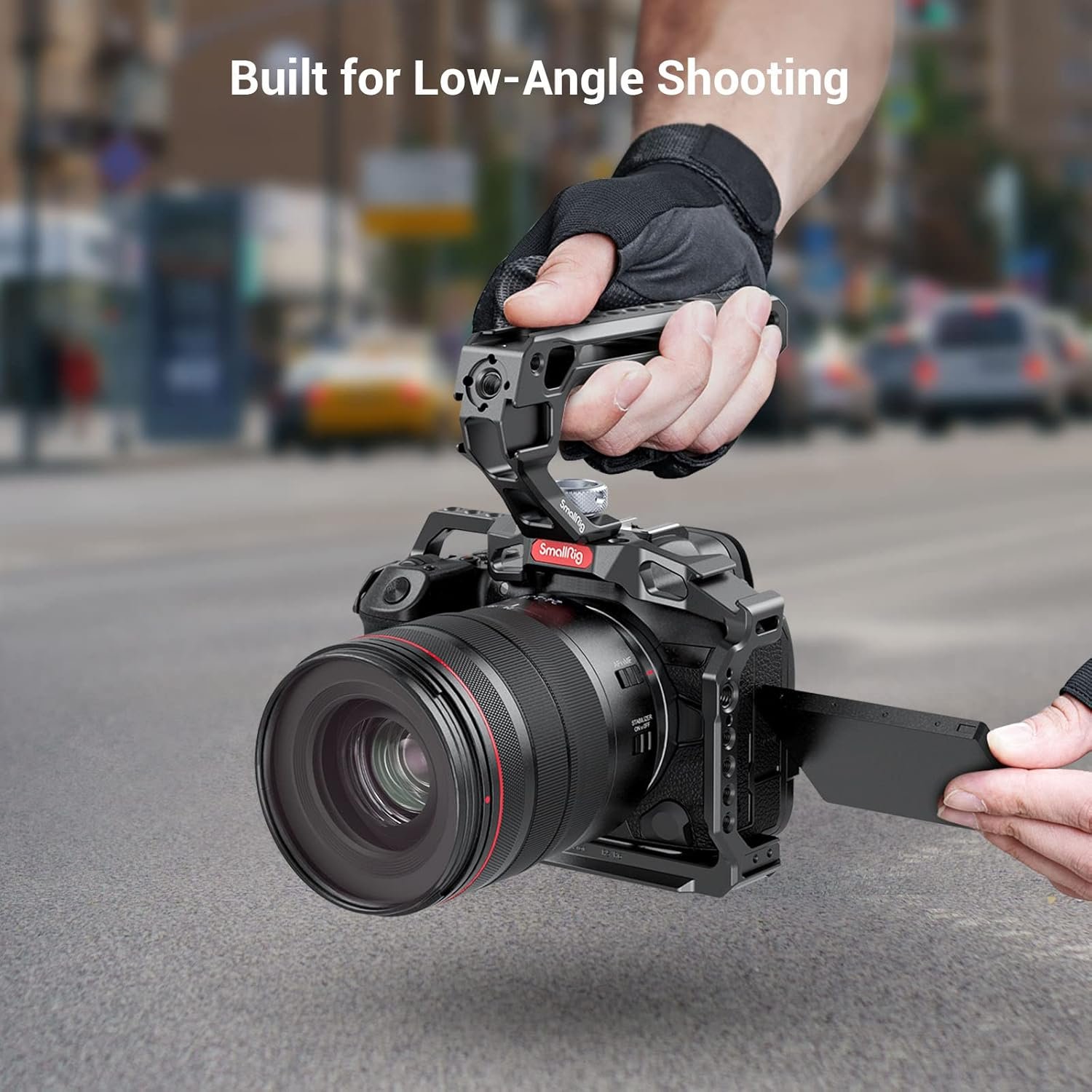
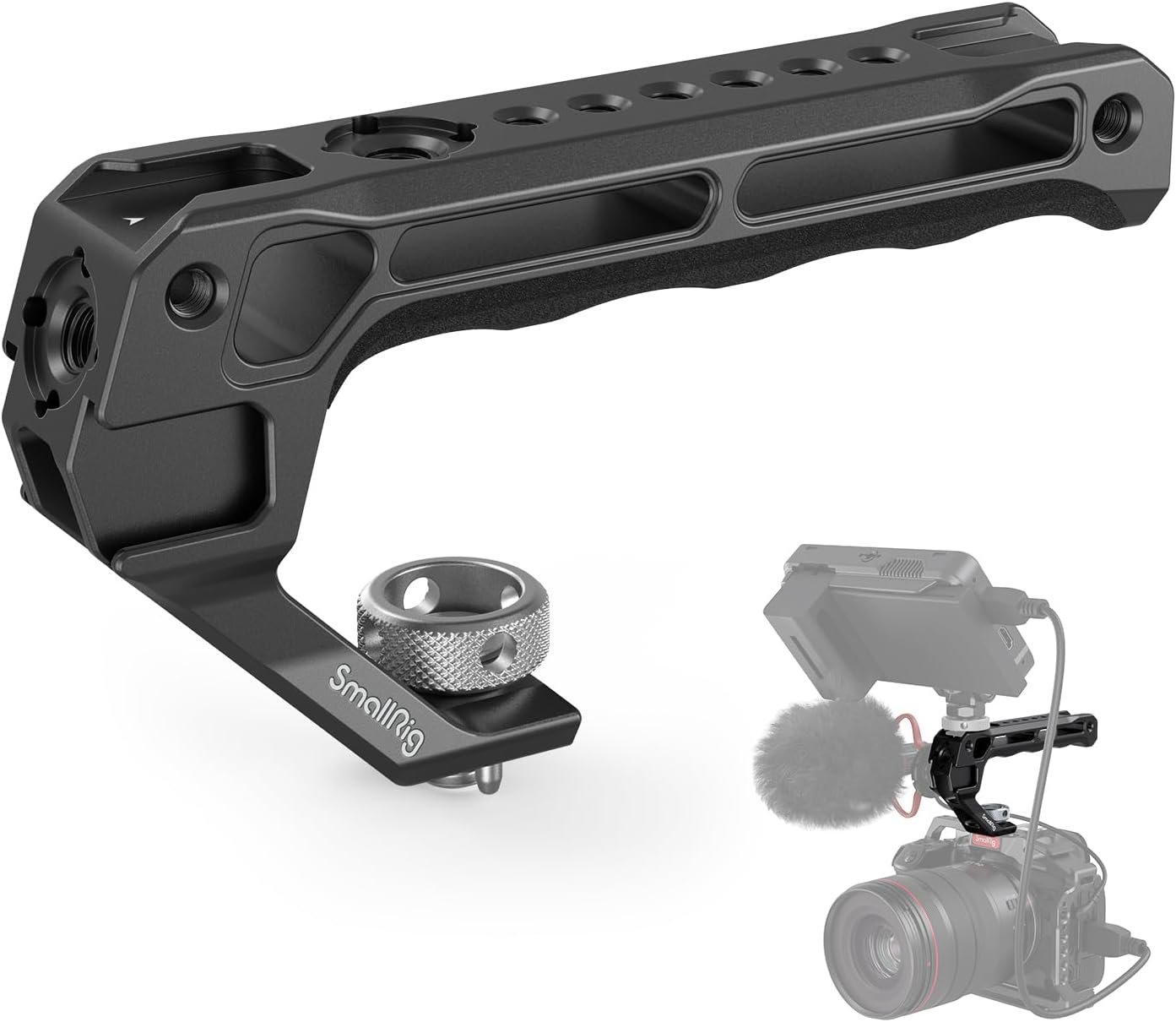
One of our favourite upgrades.
Instead of awkwardly holding the camera in different positions, this handle gives you a much more comfortable grip and makes switching shooting angles feel natural.
It's lightweight, solidly built and ideal for handheld filming.
Best for:
Handheld shooting
Low-angle shots
Faster camera handling
Improved comfort on long shoot days
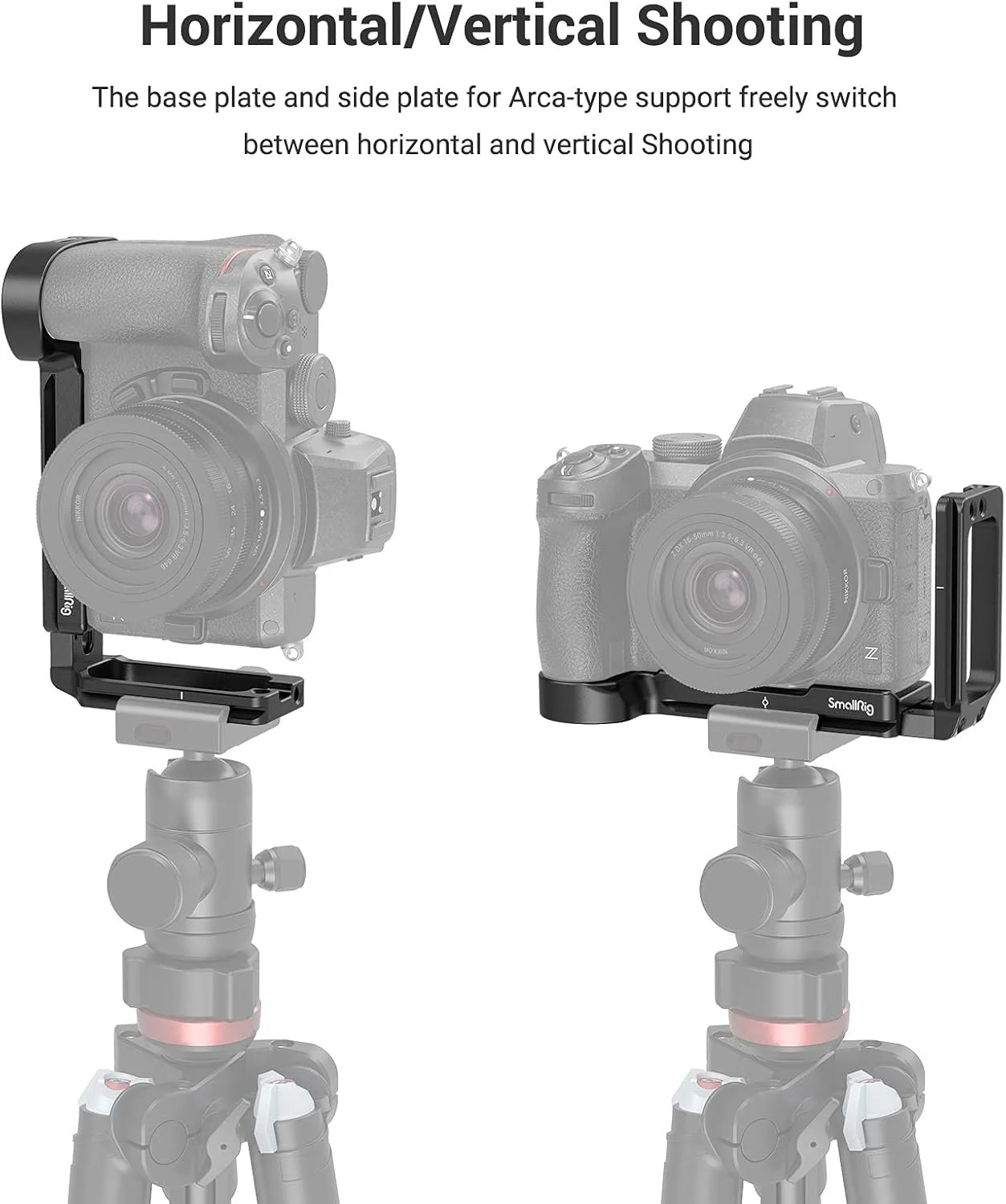
If you regularly swap between horizontal and portrait...
Buy one.
Seriously.
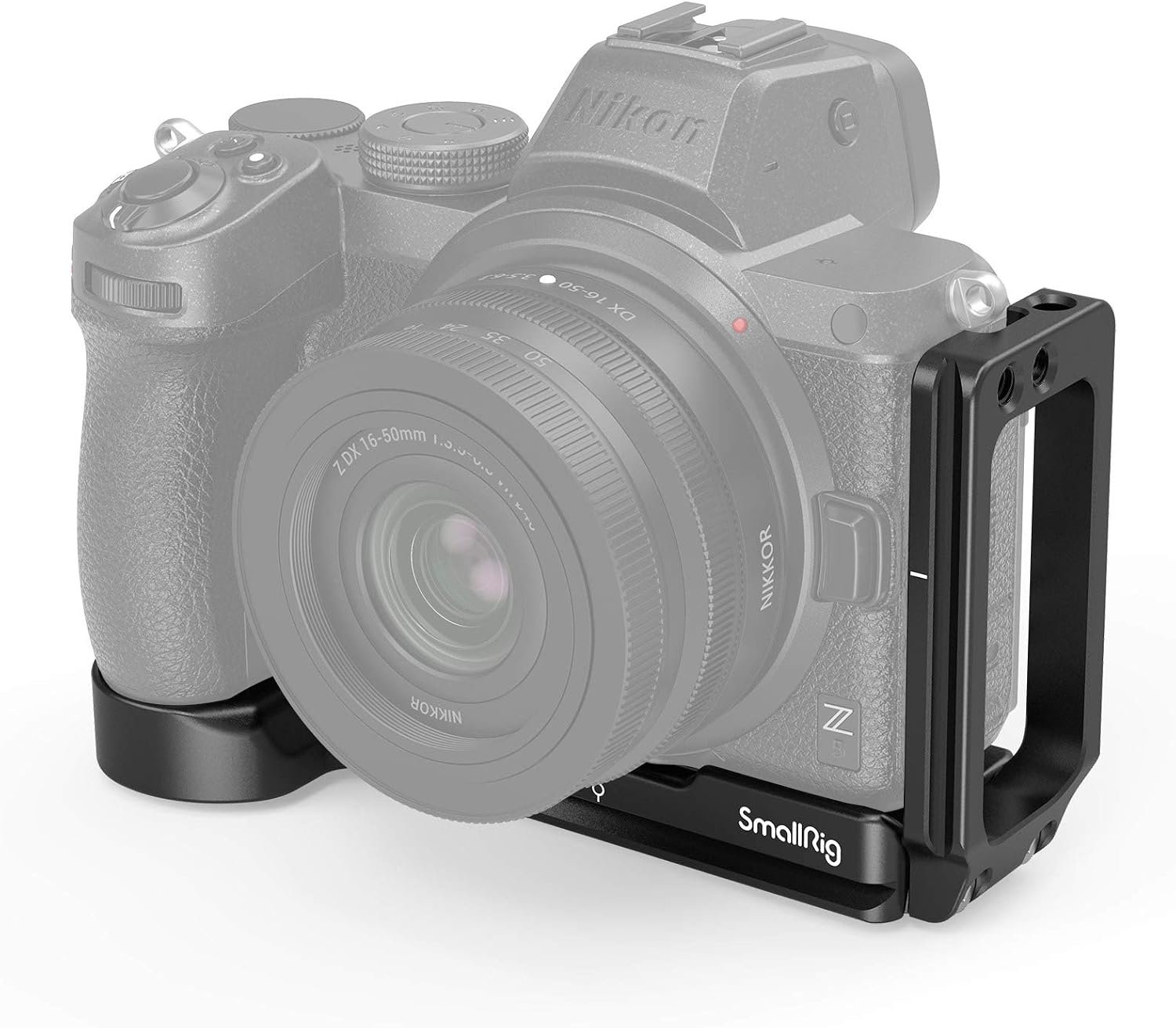
An L-Bracket lets you mount your camera vertically without creating an unstable setup or constantly moving tripod plates.
It's one of those purchases that doesn't sound exciting...
...until you've used one.
Then you'll wonder why you waited.
Best for:
Fast orientation changes
Better tripod balance
Cleaner workflow
Photography and video
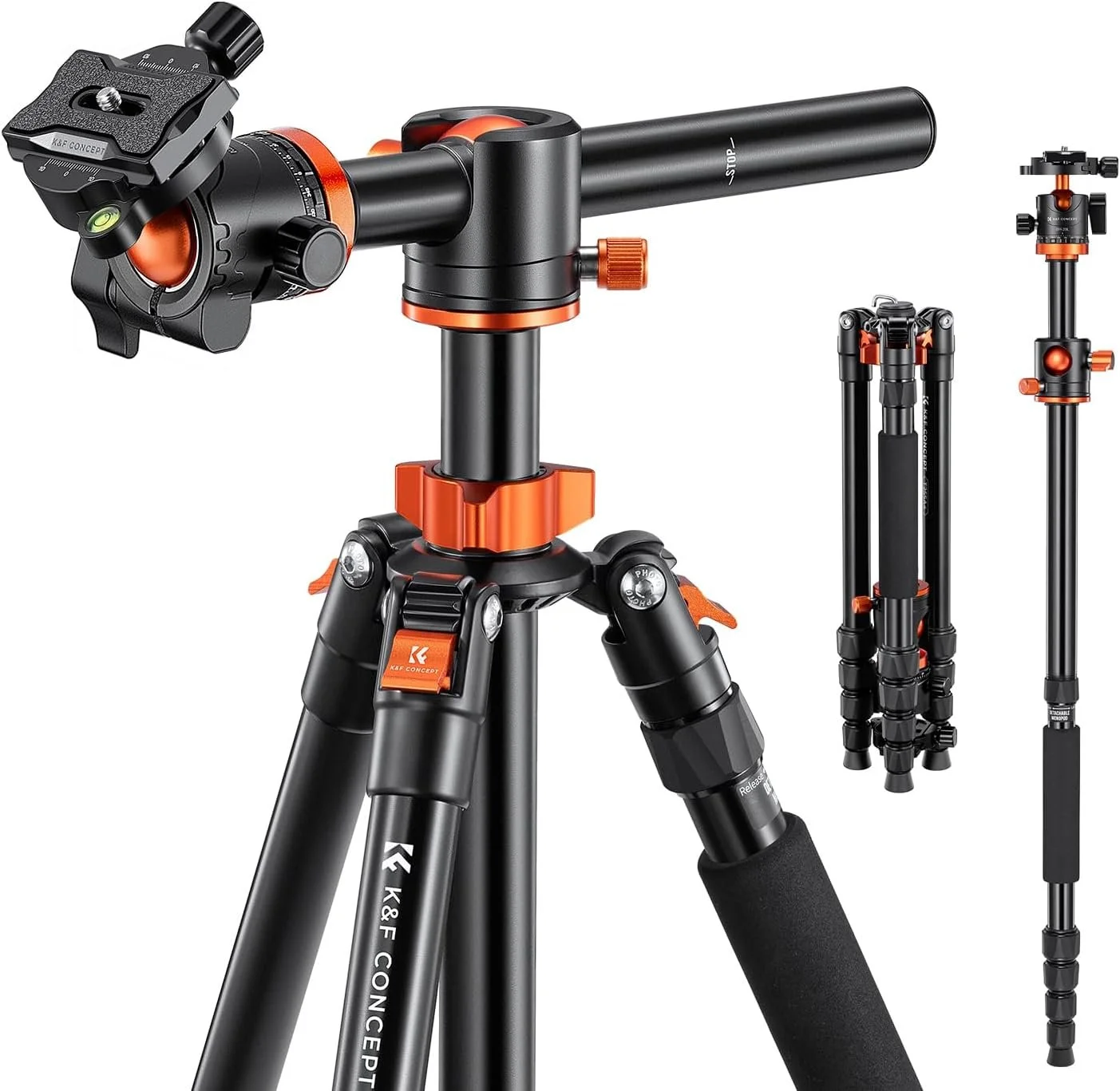
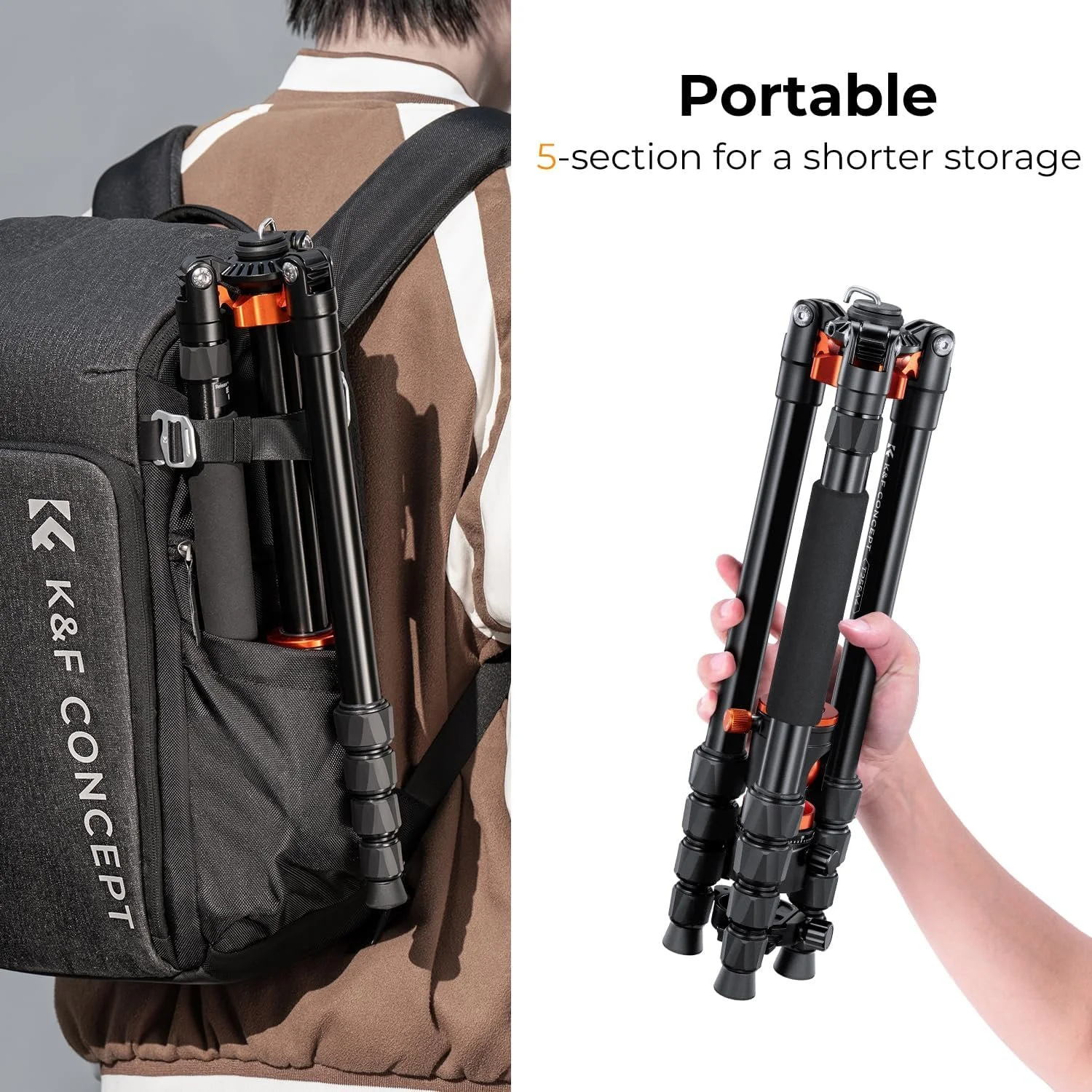
We're big fans of K&F gear because it delivers excellent value.
This tripod extends to an impressive height, feels sturdy and gives plenty of flexibility when filming interviews, products and business content.
Combined with an L-Bracket, changing orientation takes seconds rather than minutes.
Best for:
Interviews
Business videos
Product filming
Hybrid photo/video creators
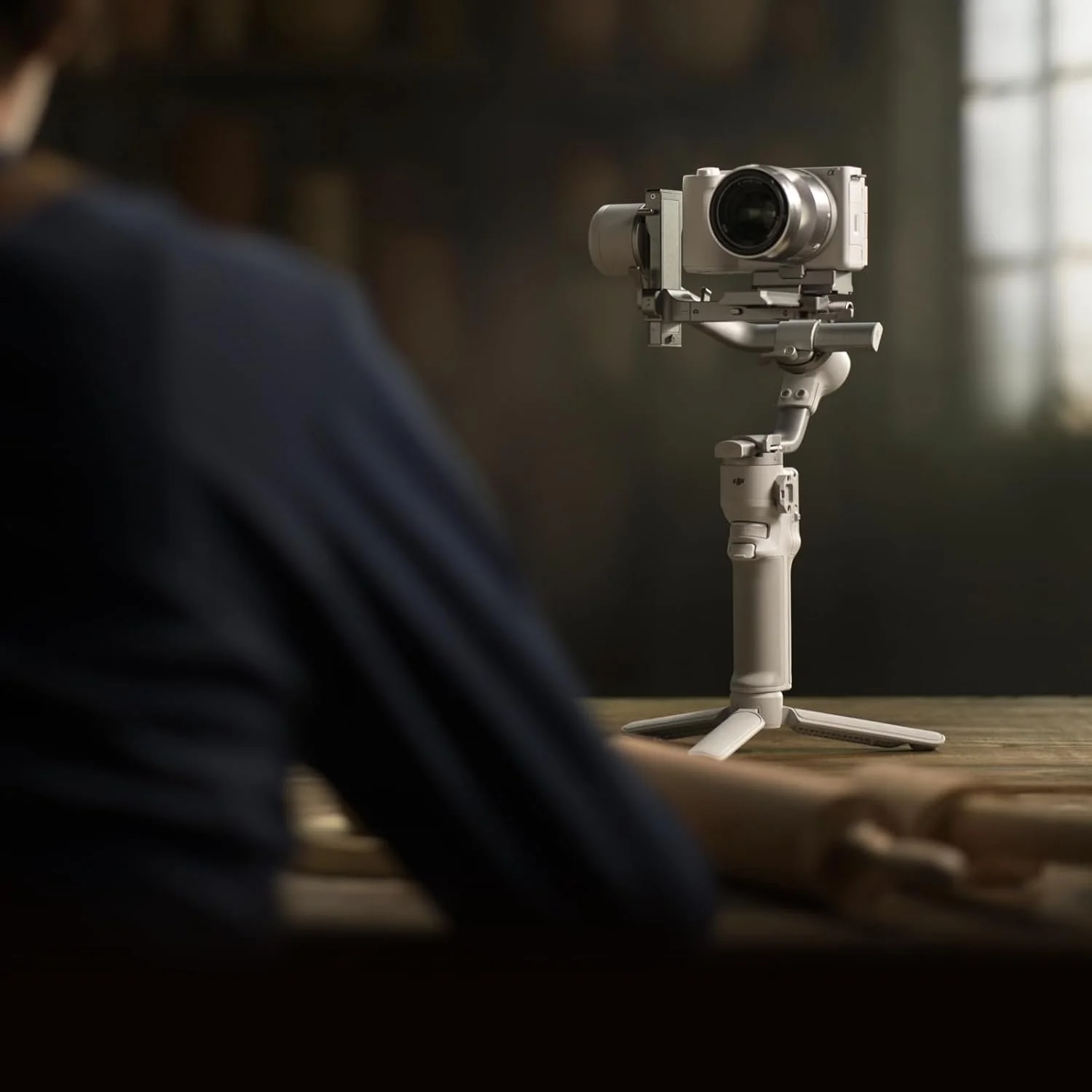
If you're shooting lots of movement...
This changes everything.
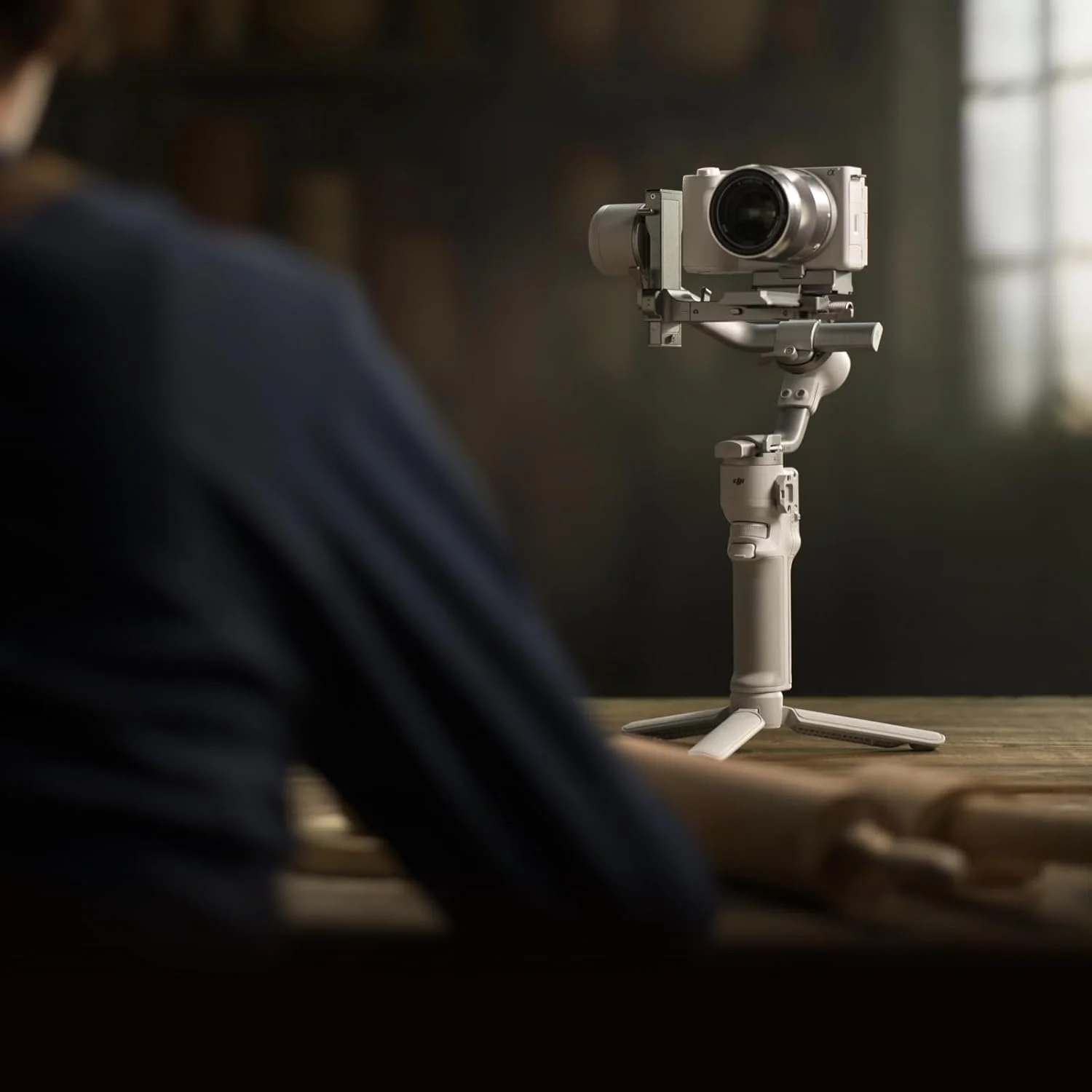
The DJI RS 4 Mini makes moving between horizontal and vertical shooting significantly quicker than older gimbals.
It also means you're far more likely to actually capture both formats instead of thinking,
"We'll do the vertical version later..."
(which usually never happens.)
If you're creating content every week, it's an investment that quickly pays for itself in saved time.
Best for:
Walk-and-talk videos
Business content
Property filming
Events
Social media production
Our Honest Opinion
If you asked us to choose just one...
We'd still shoot horizontal first.
Not because landscape is better.
Because it's more flexible.
We frame carefully, leave room for cropping and create vertical edits afterwards.
That way our clients aren't just getting content for today.
They're getting content that's still useful next year.
And if a client only wants Instagram Stories or Reels?
We'll happily shoot vertical.
Because good video isn't about following trends.
It's about choosing the right format for the job.
Final Thought
Technology changes.
Algorithms change.
Platforms change.
Good content, that is focused on where you want your brand to be in 5 years time, will last.
So we like to move away from the question…
"Should I shoot horizontal or vertical?"
Because the better question is...
"How can I shoot once and get the most value from it?"
That's the approach we take on every commercial shoot.
Affiliate Picks from This Article
If you're looking to make switching between horizontal and vertical easier, these are all pieces of kit we've either use ourselves or recommend because they solve real workflow problems rather than just adding more gadgets to your bag:
Some of the links in this article are affiliate links. If you purchase through them, we may earn a small commission at no extra cost to you. We only recommend equipment we genuinely believe offers value to creators and businesses.


The Aim Of Create The Image
Become the UK’s most trusted strategy-first visual marketing partner
Trusted by 100’s of businesses for
Strategy First Marketing
Creating Scroll-Stopping Content
Visual Marketing That Works
Testing Better Marketing